Open a WhatsApp chat without saving the number
Create your WhatsApp Business Kit
WhatsApp Click to Chat link, QR code, and website button
Your phone number and message are processed only in your browser. TapNumber cannot see them and does not receive or store them. TapNumber is an independent service and is not affiliated with, endorsed by, or sponsored by WhatsApp or Meta.
Add TapNumber to your phone’s Home Screen. No app store needed.
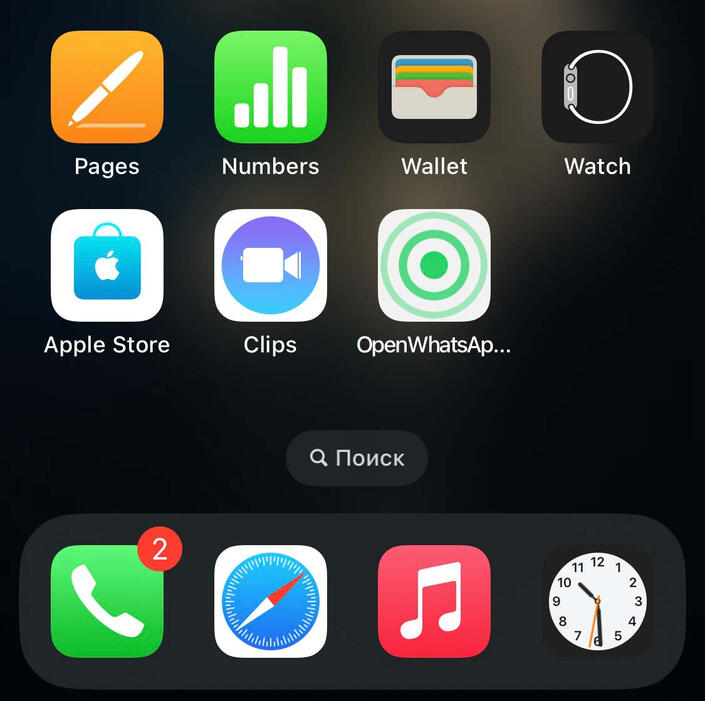
iPhone
1. Open TapNumber in Safari.
2. Tap the Share button.
3. Select Add to Home Screen.
4. Turn on Open as Web App, then tap Add.Android
1. Open TapNumber in Chrome.
2. Tap the three-dot menu.
3. Select Add to Home screen.
4. Tap Add or Create shortcut.
© 2026 TapNumber. All rights reserved.